
Ad Space Academy
Ad Space Certified Signage Operator
Demonstrate that you can run every screen in every branch from one login: locations and screens, the media library, playlists, overlays and schedules by time of day.
For anyone who runs screens on Ad Space Signage: venue staff, marketing teams and IT.
- 5 minutesto read the guide
- 20 questionsmultiple choice
- 30 minutestime limit
- 80 percentto pass
- One yearvalid
- Freeno account needed
What you need to know
The seven areas, in order. Every question in the test is drawn from this guide.
Home
Home is the dashboard. It shows your locations, how many screens are online, your media, your playlists, today's schedules and what every screen is playing right now.
Ad Space Signage runs your own screens. Booking advertising on other venues' screens is a separate service, quoted per campaign, and is not part of the platform.
Content is saved on the player, so a screen keeps playing through a short internet drop.
Location
A location is the branch or venue where your screens are. It groups them, so each branch can have its own playlist and its own schedule.
Create the location before pairing its first screen.
One account can run branches in different countries: each screen follows its own local time. The Free plan includes one location; Basic and Enterprise have no limit.
Screens
An Android TV running Android 10 or above with Google Play only needs the Ad Space app. Any other TV or display works with Ad Space Hardware plugged into its HDMI port: the Ad Space Stick, the Ad Space Media Player (a compact box behind the screen) or Ad Space TV (two HDMI ports). An LED wall connects through its LED controller.
When the app or the hardware starts, the screen shows a QR code and an 8-digit pairing code. In your account open Screens, choose Pair a new screen, scan or type the code and name the screen. Each code works for one hour.
The Screens list shows each screen's branch, whether it is landscape or portrait, its playing status and its last check-in.
Media
The media library holds your images and videos: JPG, PNG, MP4, MOV and other common files, up to 100 megabytes each and ten at a time.
Videos go up to 3840 by 2160 pixels, or 2160 by 3840 in portrait, and show Video ready once they have been processed and can play.
Media can be prepared for landscape, portrait or a custom resolution for an LED wall.
Playlist
A playlist matches the shape of the screen it plays on, landscape or portrait. Add images and videos from the library and drag them into order.
Each image gets a duration, how long it shows. A video plays its own length.
Changes to a live playlist reach the screens when you publish them. The Free plan includes one playlist.
Overlay
An overlay is shown on top of your content: a clock, the weather or a QR code, for example a QR code that opens your online menu.
Schedule
A schedule starts with the screens and the playlist. Then choose one-off, daily, weekly or monthly, and the hours it plays.
Content can change by time of day: a breakfast playlist from 06:00 to 11:00 and a lunch playlist from 11:00 to 16:00, on the same screens, every day. Each branch plays its schedule in its own local time.
Before you save, Ad Space Signage shows any clash with schedules that already exist.
What you receive
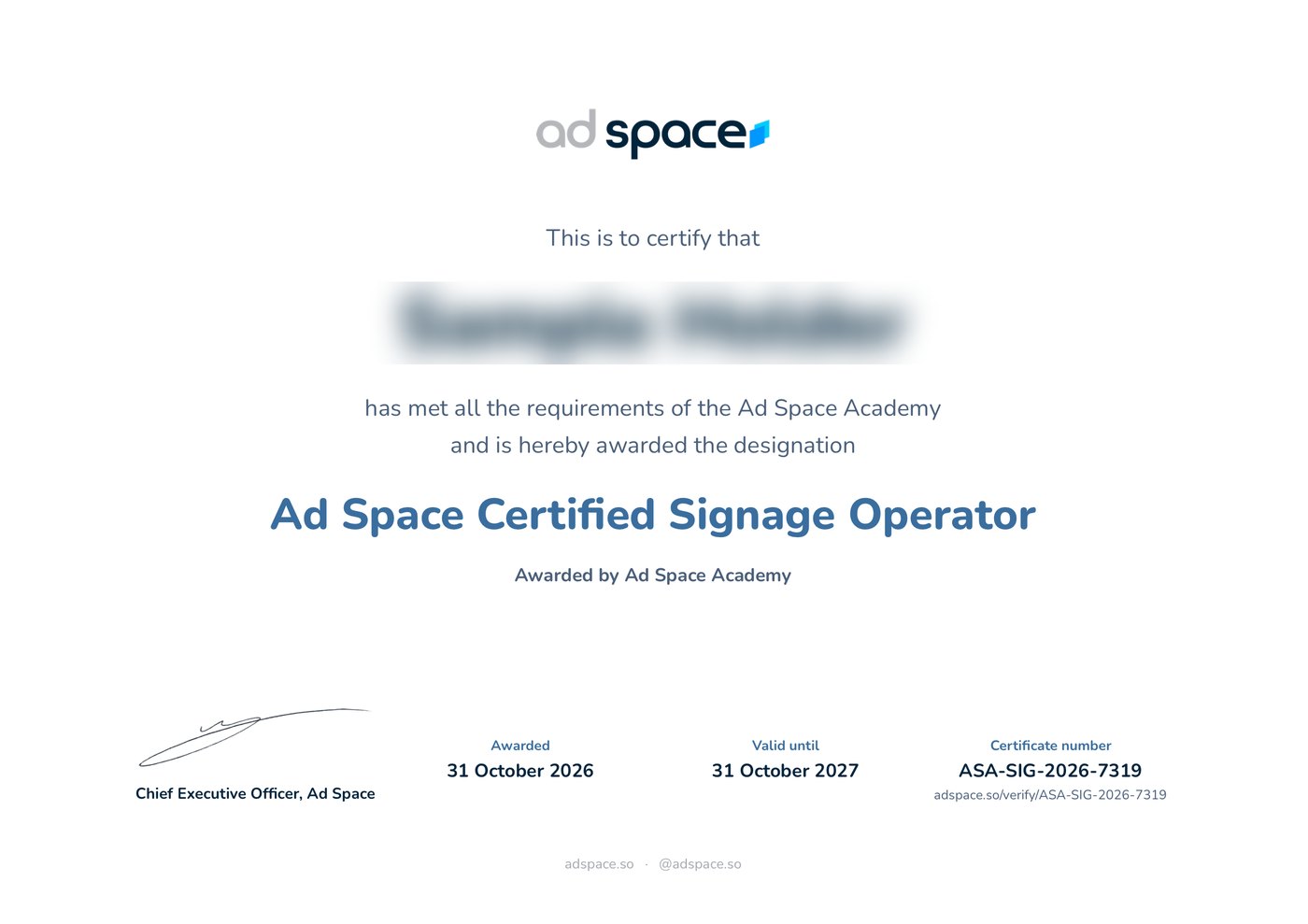
- A numbered certificateA PDF in your name, signed by the Chief Executive Officer of Ad Space, sent to your verified email.
- A verification pageEvery certificate has its own page on adspace.so that anyone can check.
- A badgeA square image of your credential for your profile and your email signature.
The test
- Format
- 20 multiple-choice questions, one correct answer each, drawn from a larger bank and shuffled for every candidate
- Time
- 30 minutes; answers are submitted automatically when the clock reaches zero
- Pass mark
- 80 percent
- Retake
- 24 hours after an unsuccessful attempt, with a fresh set of questions
- Certificate
- Issued on passing, numbered, sent to your verified email, valid for one year
- Verification
- Every certificate has a verification page on adspace.so