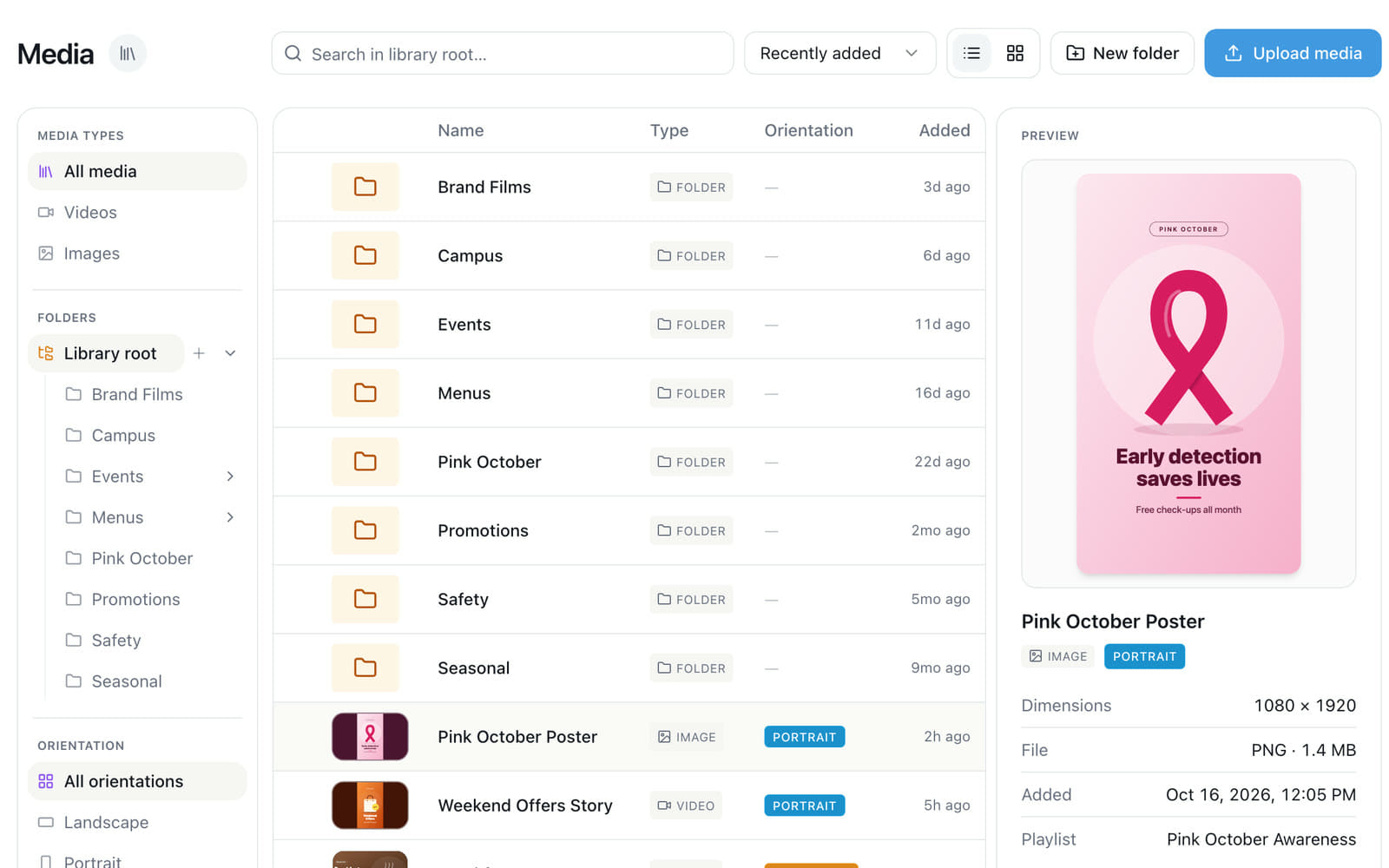
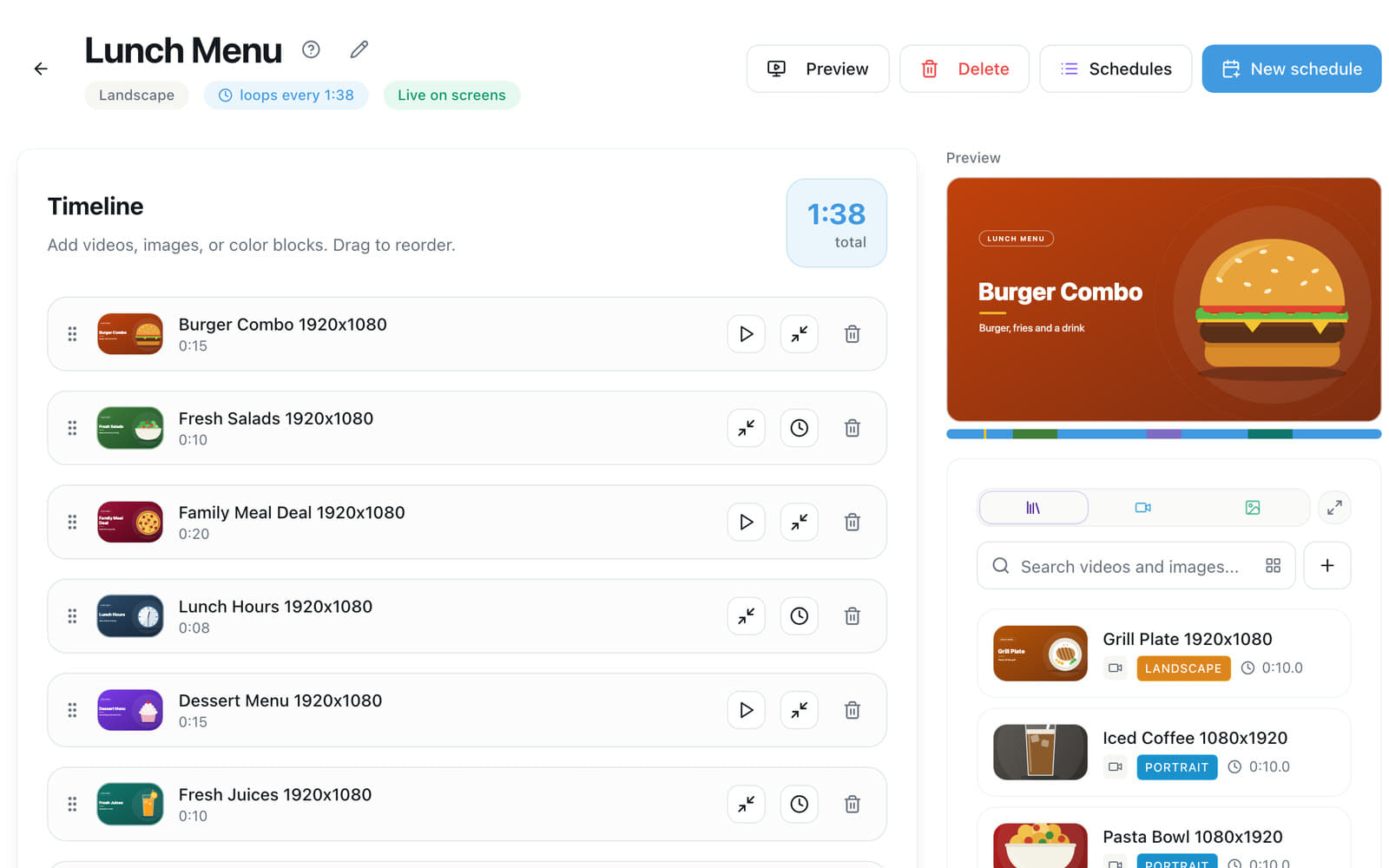
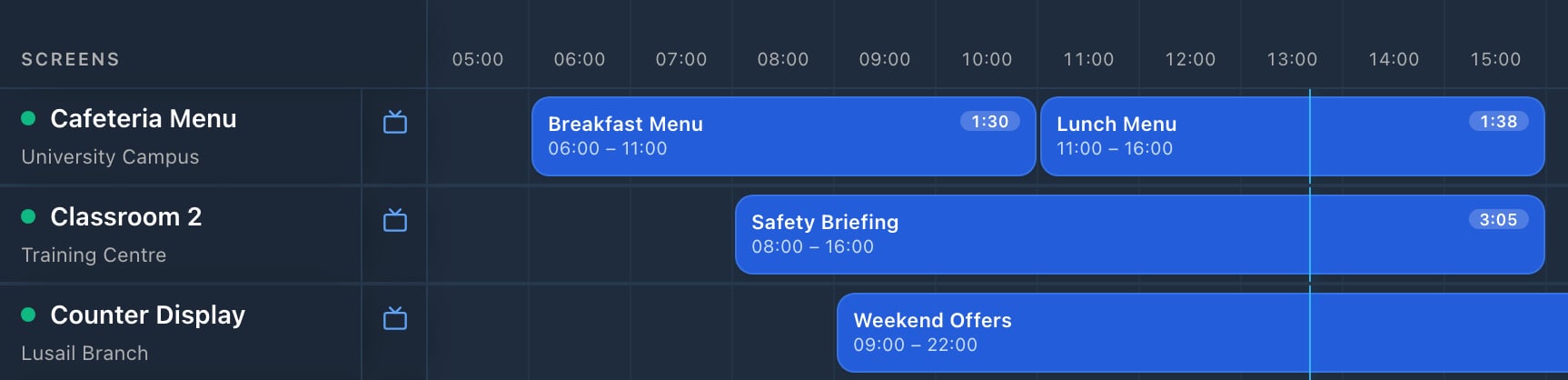
Ad Space Signage runs the screens in your business. Upload images and videos, build playlists, schedule them by time of day, and see which screens are playing in every branch. Content is saved on the player, so it keeps playing through short internet drops.
Any Android TV running Android 10 and above: install the Ad Space app. Any other TV or LED screen, LED controllers included, works with Ad Space Hardware.
Create your account and add a location, the branch where the screen is. Install the Ad Space app on the TV, or plug in Ad Space Hardware: the screen shows a QR code and an 8-digit code. In your account, open Screens, choose Pair a new screen, scan or type the code, and name the screen. Each code works for one hour.
Yes. Group screens by location and give each branch, or each screen, its own playlist. Each screen follows its local time, so branches in different countries work too, and one account can switch between several companies.
Ad Space Hardware
Which player should I choose?
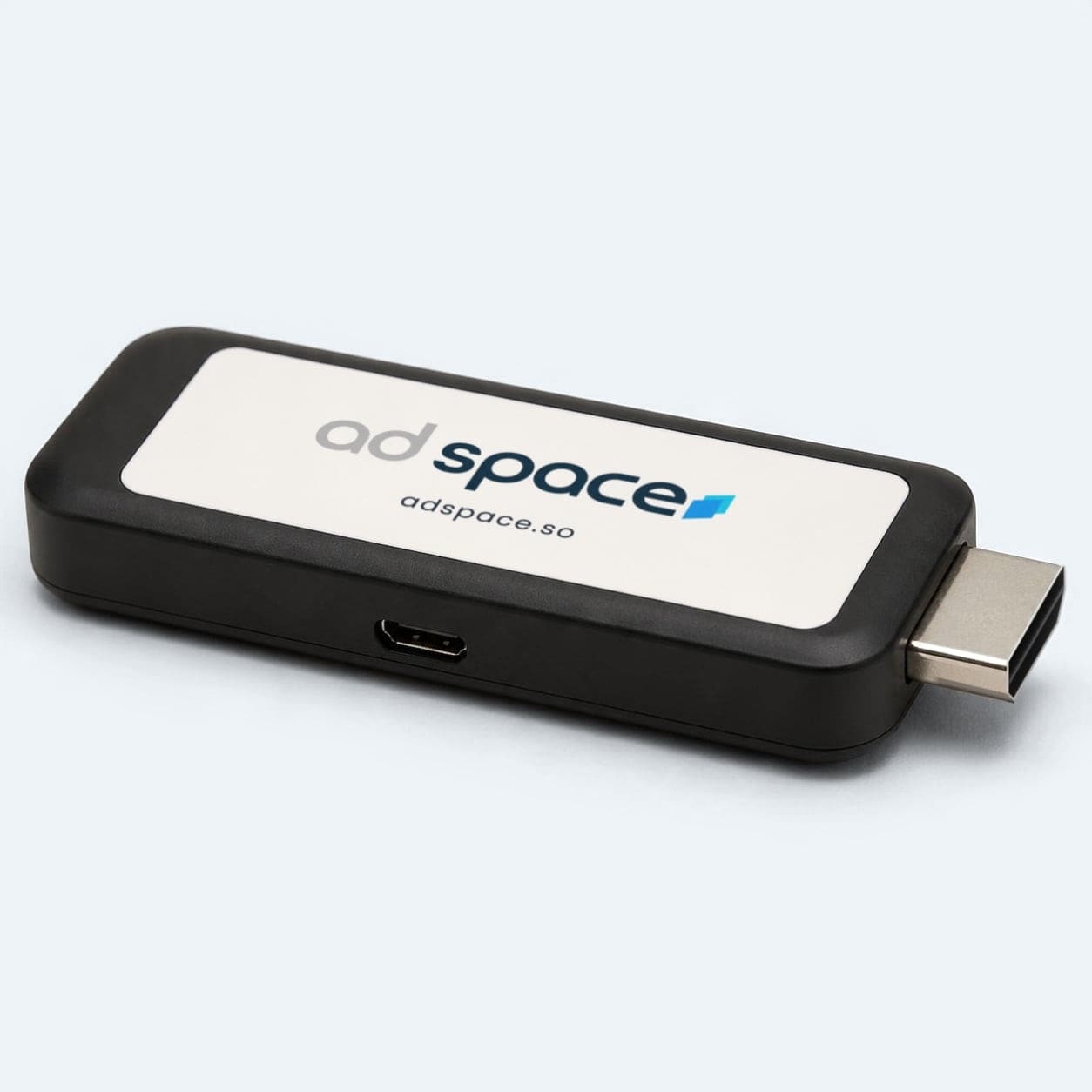
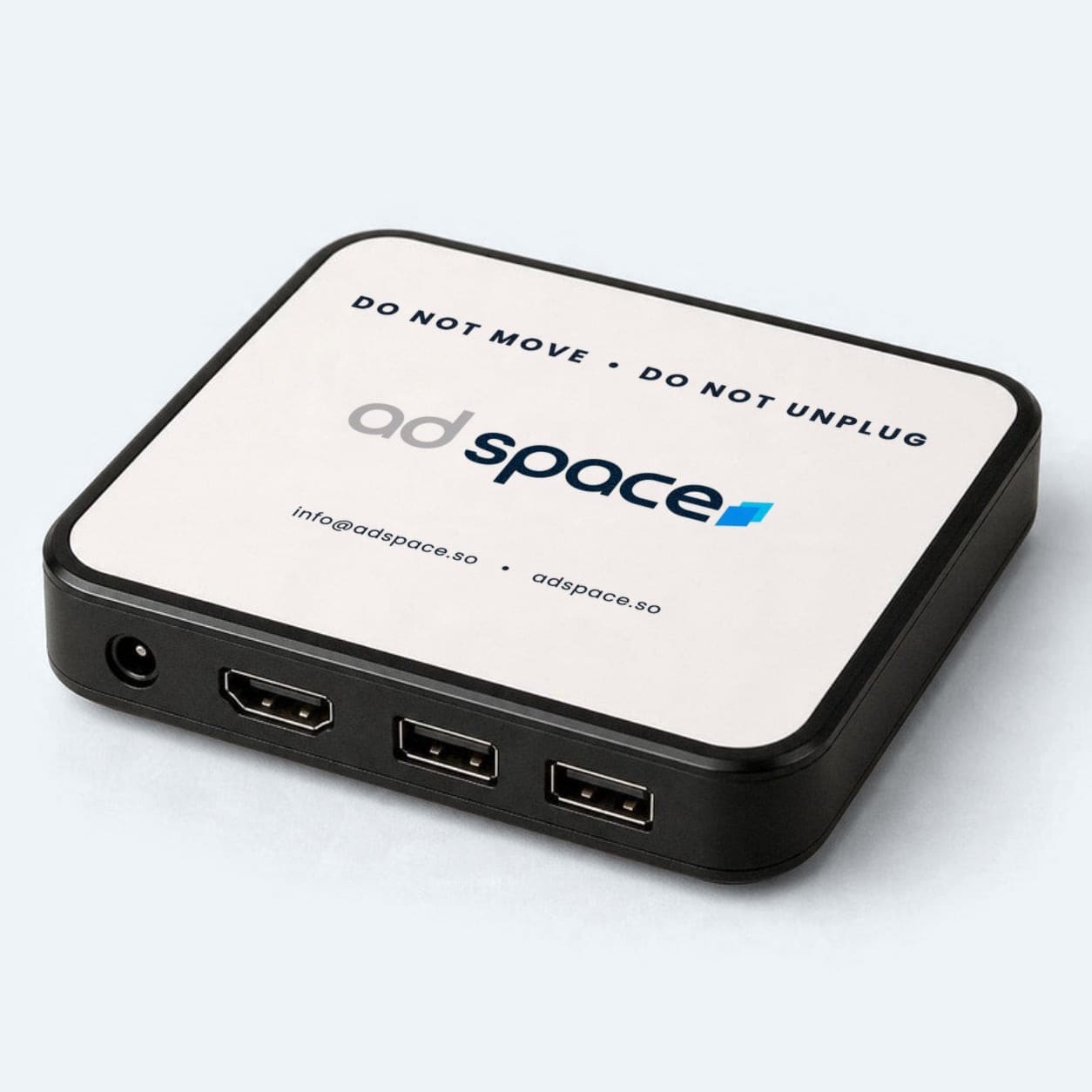
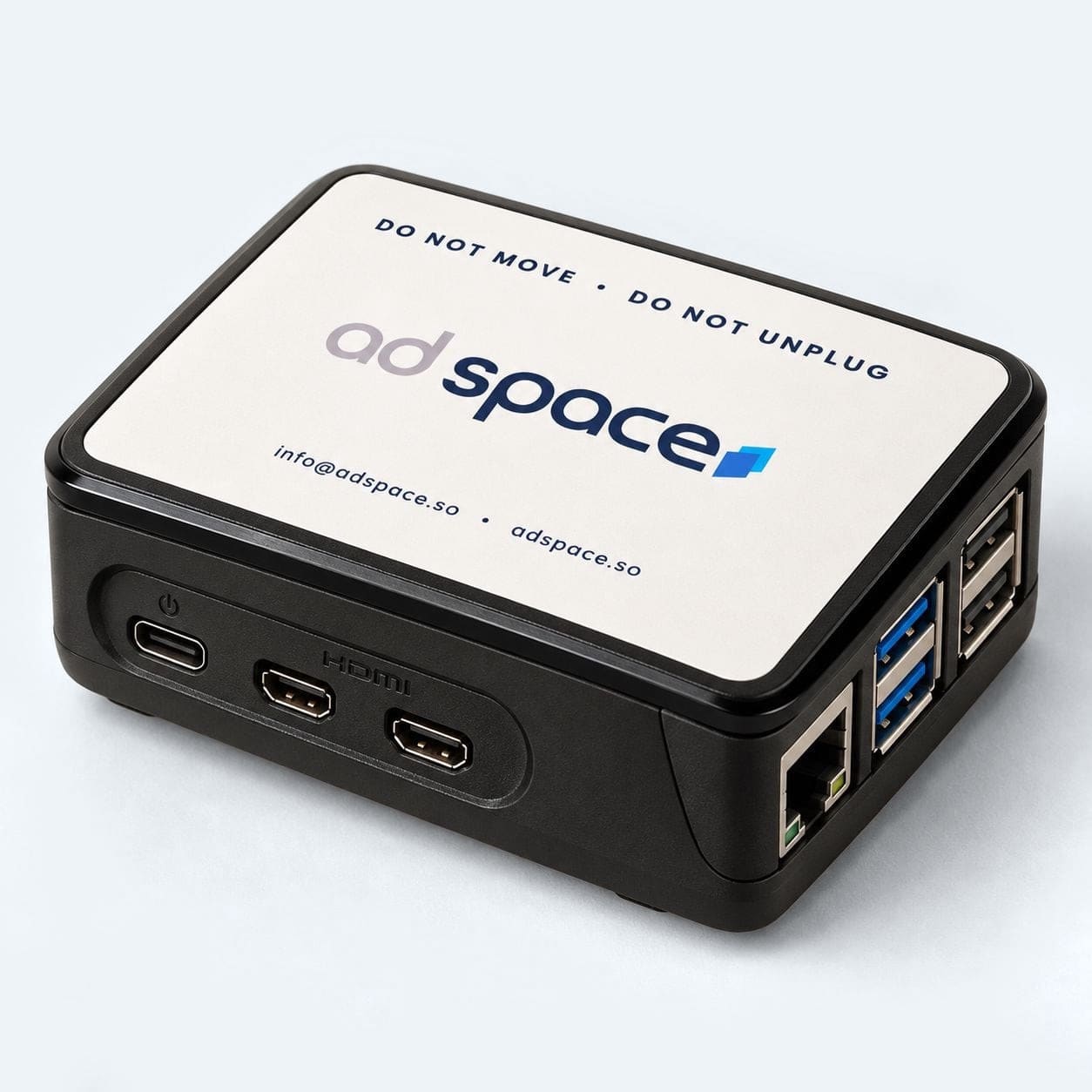
Ad Space Stick plugs straight into the TV. Ad Space Media Player is a compact box that sits behind the screen. Ad Space TV has two HDMI ports. Each arrives with Ad Space Signage built in: plug it in, connect it to the internet and pair it. Not sure which fits? Send us a photo of your screen.
Ad Space Stick is 85 USD, Ad Space Media Player is 105 USD and Ad Space TV is 325 USD, excluding VAT where applicable. Order on WhatsApp at +965 2200 6878: tell us which player and how many, and we confirm the order and the shipping fee. We ship worldwide.
Images and videos, in landscape, portrait or a custom resolution for an LED wall, plus a clock, the weather and QR codes. Upload JPG, PNG, MP4, MOV and other common files, up to 100 megabytes each and 10 at a time. Videos go up to 3840 by 2160 pixels (2160 by 3840 in portrait) and show Video ready once they can play.
How do I build a playlist?
Open Playlists and create one for your screen's shape. Add images and videos from your media library, drag them into order and set how long each image shows. Changes to a live playlist reach your screens when you publish them.
How do I schedule a playlist?
Open Schedule, pick the screens and the playlist, then choose one-off, daily, weekly or monthly and the hours it plays. Before you save, it shows any clash with existing schedules. Content can change by time of day: a breakfast playlist in the morning and a lunch playlist after it, on the same screens, every day.
Account and plans
Is there a free plan?
Yes. The Free plan covers one screen, one location, one user and one playlist, with one image and one video. It shows a “Powered by Ad Space” mark on screen.
Basic is 17 USD per screen per month, billed yearly (204 USD per screen per year), excluding VAT where applicable. It includes 5 users, each with their own role.
Enterprise is for 20 screens or more. It adds 24/7 and priority support, a dedicated account manager, custom roles and permissions, and custom onboarding and training.
Pick your venues on our locations map and tap Add to Campaign, or tell Target AI what you are promoting and it plans the campaign with you. Then tap Get My Quote: WhatsApp opens with your plan written, and our experts send your quote for the venues and dates you chose. Campaigns start at 2 weeks.
Inside gyms, salons and padel courts, in cars and on vending machines across Kuwait, and inside gyms across Qatar. The network has 294 screens in 120 locations today. Every venue is on our locations map, with its photo, area and screen count.
What do I send, and how often does it play?
A 10-second video or a still image that works without sound, since the screens play silently. Frequency: up to 3 minutes, all day, on every screen you book. Our experts can help with the creative.
Do I get proof of play?
Yes. Every campaign comes with a proof of play showing the venues and screens your ad ran on.
Target AI
What is Target AI?
Target AI plans your campaign with you. Tell it what you are promoting and who you want to reach, and it picks the venues from our network, adding in-car and vending machine screens if you ask. It is free, with no account to create.
On every page of our locations map: tap the Target AI button at the bottom right. Or type what you are promoting into the search bar on our Home page or the box on the Target AI page, and Target AI opens on the map with your words.
Yes. Tap Fewer locations, More locations or Different area under the plan, or tell Target AI what to change. It remembers your chat on the device you used for 24 hours after your last message.
Am I talking to a person?
No. Target AI is an AI assistant, not a person. If you would rather talk to someone, tap Talk to Our Experts in the chat, or message us on WhatsApp.
Any venue with screens and visitors: gyms, studios, padel courts, salons, spas, cafes, restaurants, hotels, clinics, shops and offices. There is no minimum number of screens or visitors, and you use the screens you already have, with the Ad Space app or Ad Space Hardware. Need screens? Talk to us.
How do I start earning?
Create your account, connect your screens and turn on ads. Or talk to us first on WhatsApp and we will guide you.
Yes. You accept or decline each advertiser, and you can block categories you do not want, such as competitors.
How much can I earn?
Most screens earn about 195 to 275 USD a month, depending on your venue, its visitors and the campaigns booked on your screens. Your earnings page shows your share of every campaign.